


Are you struggling to share multiple links on your website without cluttering your pages? Finding the best link sharing tool for websites can make a huge difference in how you connect with your audience.
Imagine having one simple, clean place where all your important links live—making it easier for your visitors to explore everything you offer. Whether you want to boost engagement, track clicks, or organize your content smartly, the right tool can help you do it effortlessly.
Keep reading to discover top options that fit your needs and take your website’s link sharing to the next level.
Top Link Sharing Tools
Linktree offers an easy way to share multiple links in one place. It supports customizable buttons and simple design. Users can add links to social media, websites, and more. The tool tracks clicks and visitor data to help understand audience behavior.
Taplink allows creating a mini landing page for links. It supports messaging buttons and payment options. Users can add videos, images, and contact forms. It is useful for businesses to collect leads and sell products directly.
Bitly is popular for URL shortening. It makes links shorter and easier to share. Bitly also provides link tracking and analytics. Users can see how many clicks and where they come from.
Rebrandly focuses on branding links. Users can create custom domain names for links. This helps build trust and recognition with the audience. It also tracks link performance with detailed reports.
CampaignTrackly is designed for marketers. It helps create, manage, and track campaign links. Users can see full history and performance of each link. It supports team collaboration and integration with marketing tools.
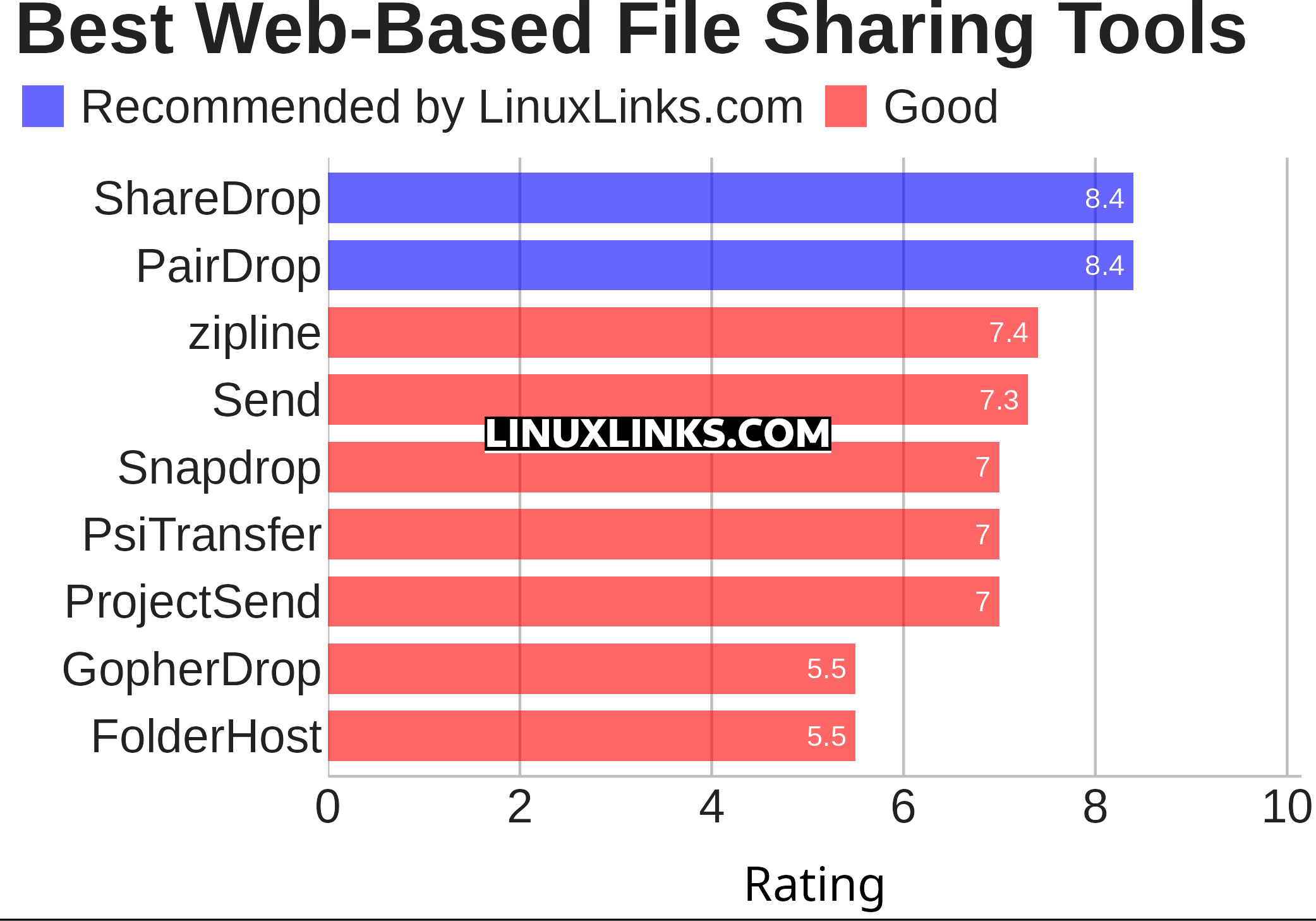
Credit: www.linuxlinks.com
Choosing The Right Tool
Free options usually offer basic features without cost. They are good for beginners or small websites. Paid tools provide advanced features like more customization, better analytics, and priority support. They suit businesses needing detailed insights and branding control.
Customization and design allow websites to match their look and feel. Free tools may limit colors and layouts. Paid tools often give more choices for fonts, buttons, and branding. This helps keep a consistent style across the site.
Tracking and analytics show how users interact with links. Basic stats like click counts may be free. Detailed reports on user behavior and source traffic usually require paid plans. These help improve marketing strategies.
Ease of use and integration matters. Tools should be simple to set up and work with popular platforms like WordPress or Shopify. Many free tools offer easy integration, but paid ones may have smoother workflows and extra plugins.
Boosting Website Traffic
Optimizing link placement means putting links where visitors notice them most. Placing links near key content or calls to action helps users click more. Links in menus, sidebars, or at the end of articles work well. Clear and short link text invites clicks. Avoid cluttering pages with too many links, which can confuse visitors.
Using link sharing on social media expands reach quickly. Share links on popular platforms like Facebook, Twitter, and LinkedIn. Tailor the message to fit each platform’s style. Use engaging descriptions and images to attract attention. Consistent sharing keeps your links visible over time.
Combining with SEO strategies improves search rankings and traffic. Use keywords in link text and surrounding content. Create backlinks by sharing links on other websites and blogs. Monitor link performance to see what works best. Quality links help build website authority and trust.
Engaging your audience with links means adding value. Share links to useful resources, tutorials, or related articles. Invite users to explore more with clear calls to action. Interactive links like surveys or quizzes can increase engagement. Keep links relevant and easy to access.
Link Sharing For Instagram And Tiktok
Best tools for bio links help users share multiple URLs in one place. Instagram and TikTok allow only one clickable link in the bio. These tools create a simple landing page with many links. Users can add links to websites, shops, blogs, or videos.
Managing multiple links is easy with these tools. You can add, remove, or reorder links anytime. Some tools offer click tracking to see which link is popular. Most tools work well on mobile and desktop devices. No coding skills are needed to use them.
Driving followers to websites becomes effective. Instead of changing bio links often, keep all important links in one place. Followers can find everything quickly. This saves time and increases website visits. Using a clear and simple link page helps build trust and interest.
Advanced Features To Consider
QR Code Integration lets users share links easily using mobile devices. It helps visitors access content quickly by scanning the code. This feature is useful for printed materials or presentations.
Link Retargeting tracks visitors who click your links. It allows showing targeted ads to those users later. This helps increase return visits and boost engagement.
Campaign Tracking provides data on how links perform. You can see clicks, locations, and devices used. This information helps improve marketing strategies and understand audience behavior.
Team Collaboration Tools allow multiple users to manage links. Teams can share, edit, and organize links in one place. It improves workflow and keeps everyone updated on link status.
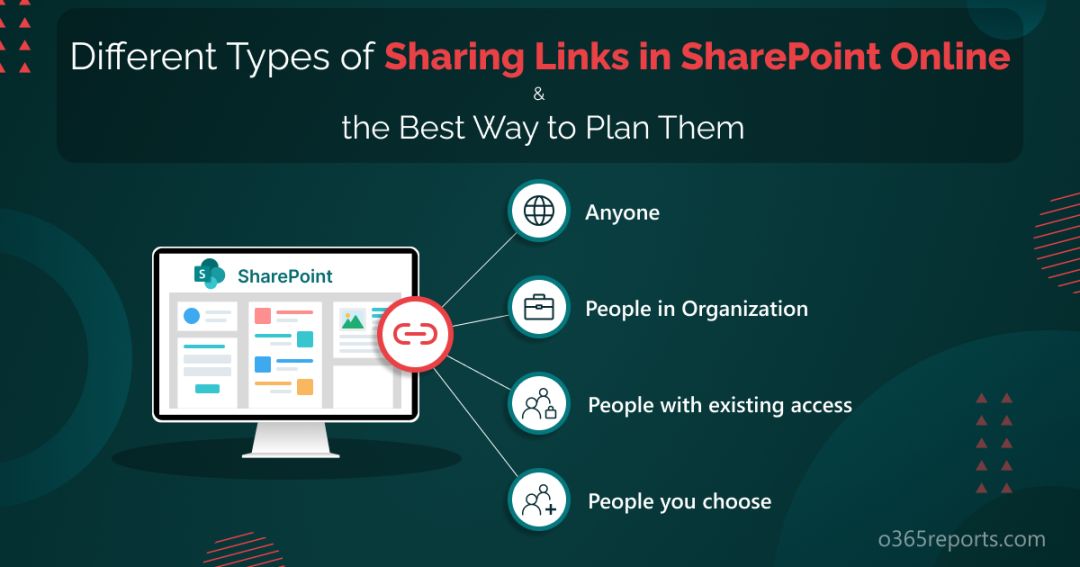
Credit: o365reports.com
Common Challenges And Solutions
Handling link overload requires organizing links clearly. Use categories or tags to group related links. This helps users find what they need quickly. Limit the number of links shown at once to avoid clutter.
Maintaining link security is very important. Use tools that offer link encryption and password protection. Also, check links regularly to avoid broken or harmful URLs. This keeps visitors safe and builds trust.
Ensuring mobile compatibility means links must work well on phones and tablets. Choose tools with responsive design. Make sure links open fast and are easy to tap on small screens.
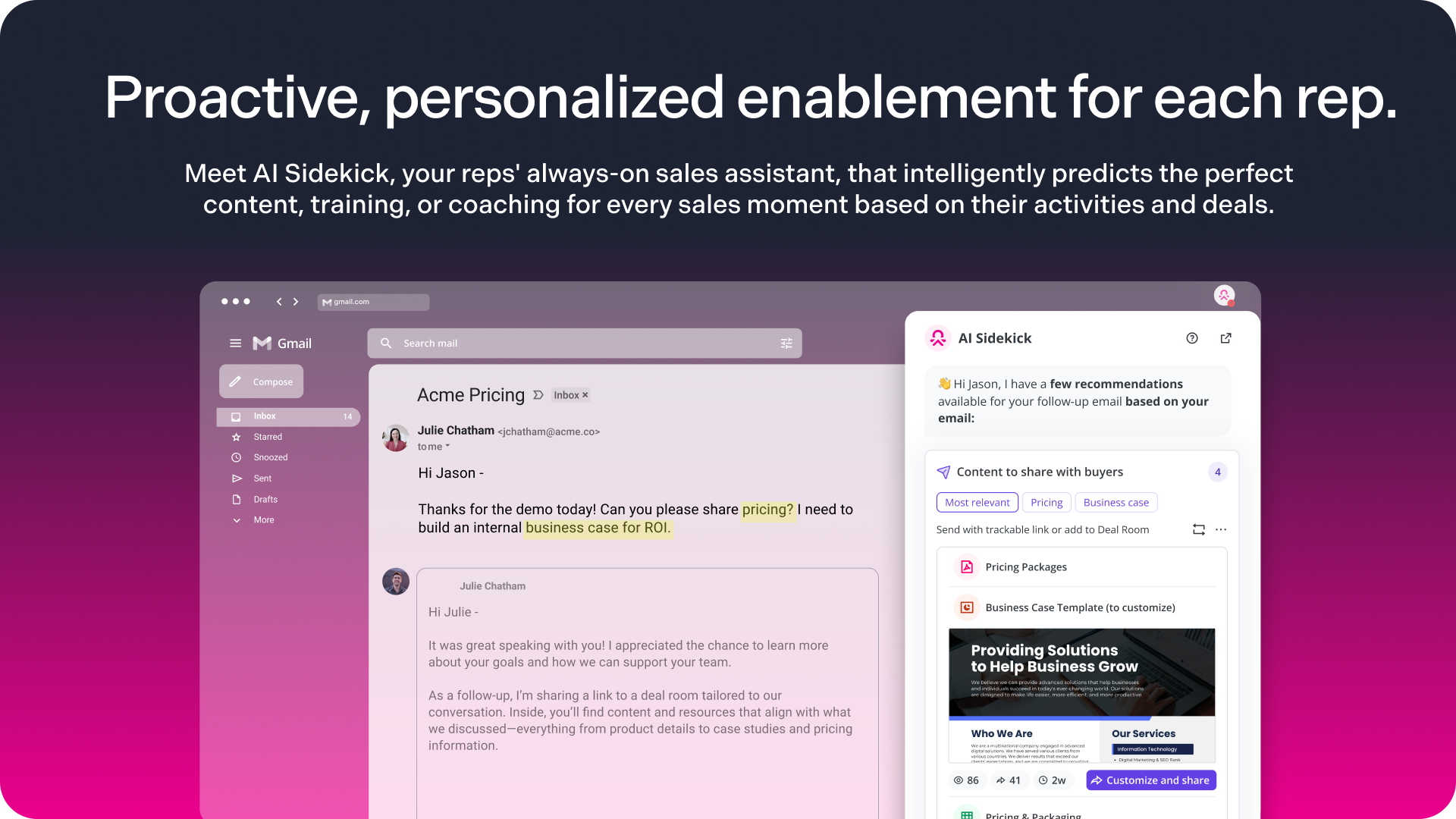
Credit: www.spekit.com
Frequently Asked Questions
What Is The Best Link Sharing Tool For Websites?
The best link sharing tool offers easy link management, tracking, and customization. It helps boost traffic and engagement efficiently. Popular options include Linktree, Bitly, and Rebrandly, which provide user-friendly interfaces and analytics features.
How Do Link Sharing Tools Improve Website Traffic?
Link sharing tools consolidate multiple links into one, simplifying user access. They enhance click-through rates by making it easier to promote content across platforms. Tracking features also help optimize marketing strategies to increase website visits.
Are Link Sharing Tools Free To Use?
Many link sharing tools offer free plans with basic features like link aggregation and customization. Premium plans provide advanced analytics, branding options, and additional integrations. Users can choose based on their needs and budget.
Can I Customize Links With Sharing Tools?
Yes, most link sharing tools allow link customization, including branded URLs and thumbnails. Customization enhances brand recognition and trust, making links more attractive and clickable for users.
Conclusion
Choosing the best link sharing tool helps your website reach more people. A good tool makes sharing links simple and organized. It saves time and improves user experience. Remember to pick a tool that fits your needs and budget. Keep your links clear and easy to find.
This way, visitors stay longer and engage more. Start sharing smarter and watch your website grow steadily.

