


Have you ever wondered when your domain name will expire? Or maybe you want to grab a domain that’s about to become available.
Knowing the exact expiration date of a domain is crucial—it helps you avoid losing your online identity or discover valuable opportunities. With a Domain Expiration Checker, you can easily find out when any domain’s registration ends, giving you peace of mind and control over your web presence.
You’ll learn how to quickly check domain expiry dates, why it matters to you, and the best tools to use. Keep reading to make sure your domain stays yours and never slips away unnoticed.
Why Domain Expiration Matters
Expired domains can cause serious problems for website owners. First, visitors may not reach the site because the domain stops working. This leads to loss of traffic and trust. Search engines may remove expired domains from their index, hurting SEO rankings. The site can drop in search results or disappear completely.
Expired domains also risk being taken over by others. This can damage your brand and cause confusion. Protecting domain names by checking their expiration dates helps avoid these issues. Keeping domains active ensures continuous website access and maintains search engine authority.
Methods To Check Domain Expiration
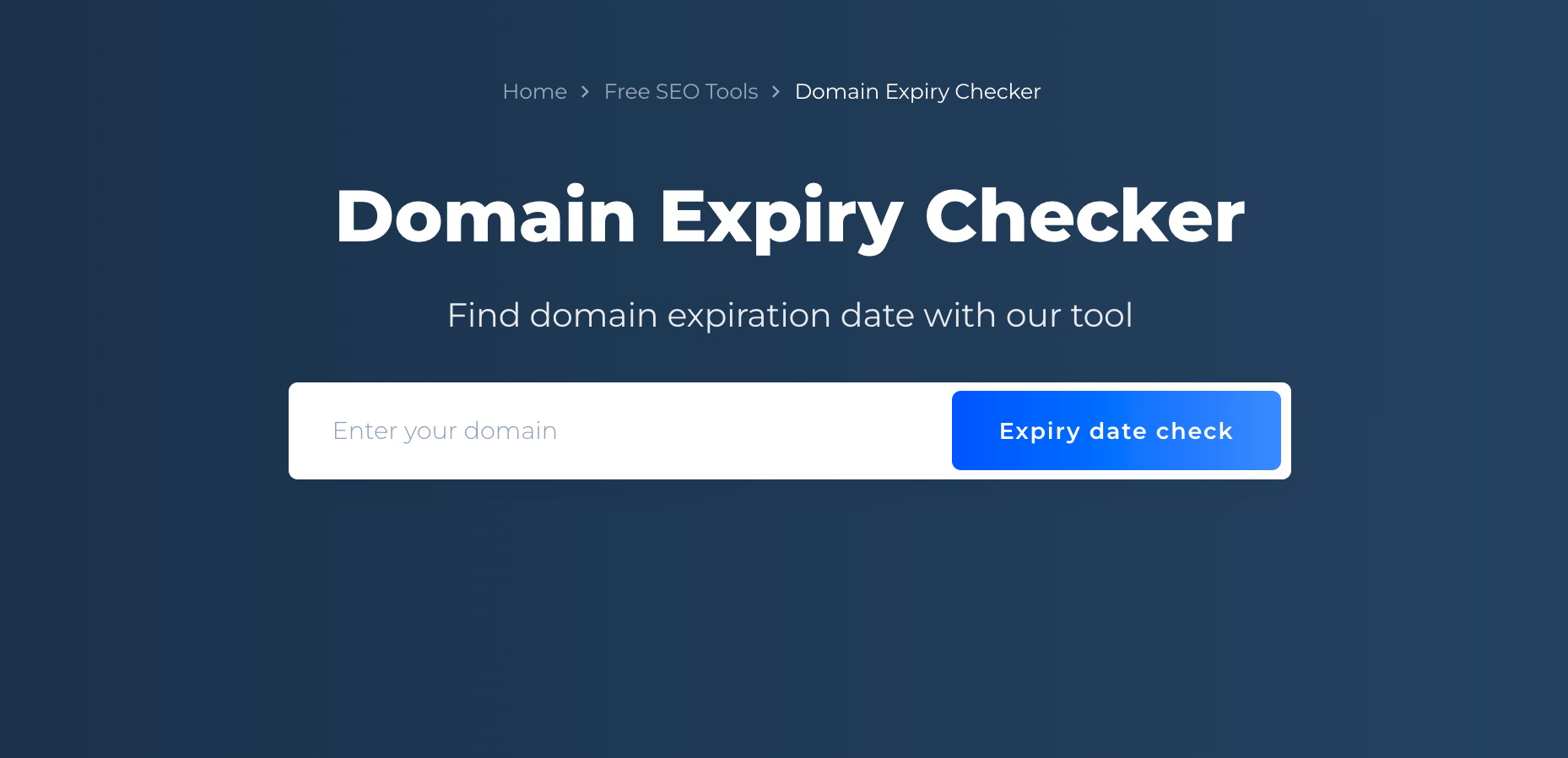
Online expiry checkers are simple tools to find a domain’s expiration date. Just enter the domain name, and the tool shows the exact expiry date and how many days remain. These tools save time and help avoid losing your domain.
The ICANN Lookup Tool provides detailed registration info. It shows the domain’s status, expiration date, and owner contact. This tool is free and reliable for checking domain details.
Registrar dashboards offer direct insights into your domain’s expiration. Log in to your account to see all registered domains and their expiry dates. Some registrars send reminders before domains expire.
Tools For Domain Expiration Monitoring
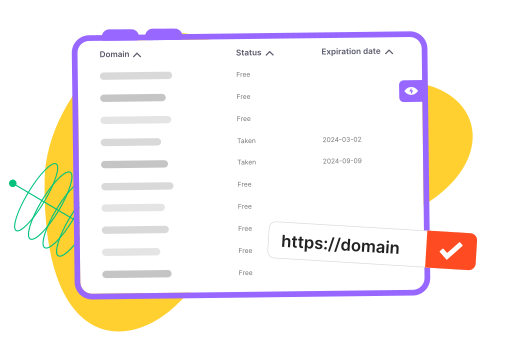
Popular expiry checker services include tools like ICANN Lookup, Site24x7, and Beagle Security. These sites show the exact expiration date of any domain. They also calculate how many days remain until expiry. Users simply enter the domain name to get quick results.
Automated monitoring solutions help track multiple domains at once. They send alerts before a domain expires. This prevents accidental loss of domain names. Many services offer daily or weekly scans to stay updated.
Integrating alerts and notifications with email or phone messages is common. This ensures prompt reminders to renew domains on time. Some tools also support push notifications or SMS alerts. Setting up these alerts is easy and helps avoid service interruptions.
Credit: rush-analytics.com
Steps To Renew Your Domain
Start by visiting your domain registrar’s website to renew your domain. Enter your login details to access your account. Find the domain management or renewal section. Select the domain you want to renew.
Choose the renewal period that suits your needs. Common options range from 1 to 10 years. Longer periods may save money and avoid frequent renewals.
| Renewal Period | Benefits |
|---|---|
| 1 Year | Flexible, low upfront cost |
| 3 Years | Better value, less hassle |
| 5+ Years | Long-term security, discounts |
Expired domains may enter a grace period. During this time, renewal is still possible but may cost more. After the grace period, domains might go to auction or become available for new buyers.
Act quickly to avoid losing your domain. Keep your contact info updated to receive renewal reminders.
Tips To Prevent Domain Expiry Issues
Setting up auto-renewal helps keep your domain active without manual steps. This feature automatically renews your domain before it expires. It reduces the risk of losing your website or email access.
Maintaining updated contact info ensures you receive important renewal notices. Domains often send alerts to the registered email address. Check and update your contact details regularly to avoid missing these messages.
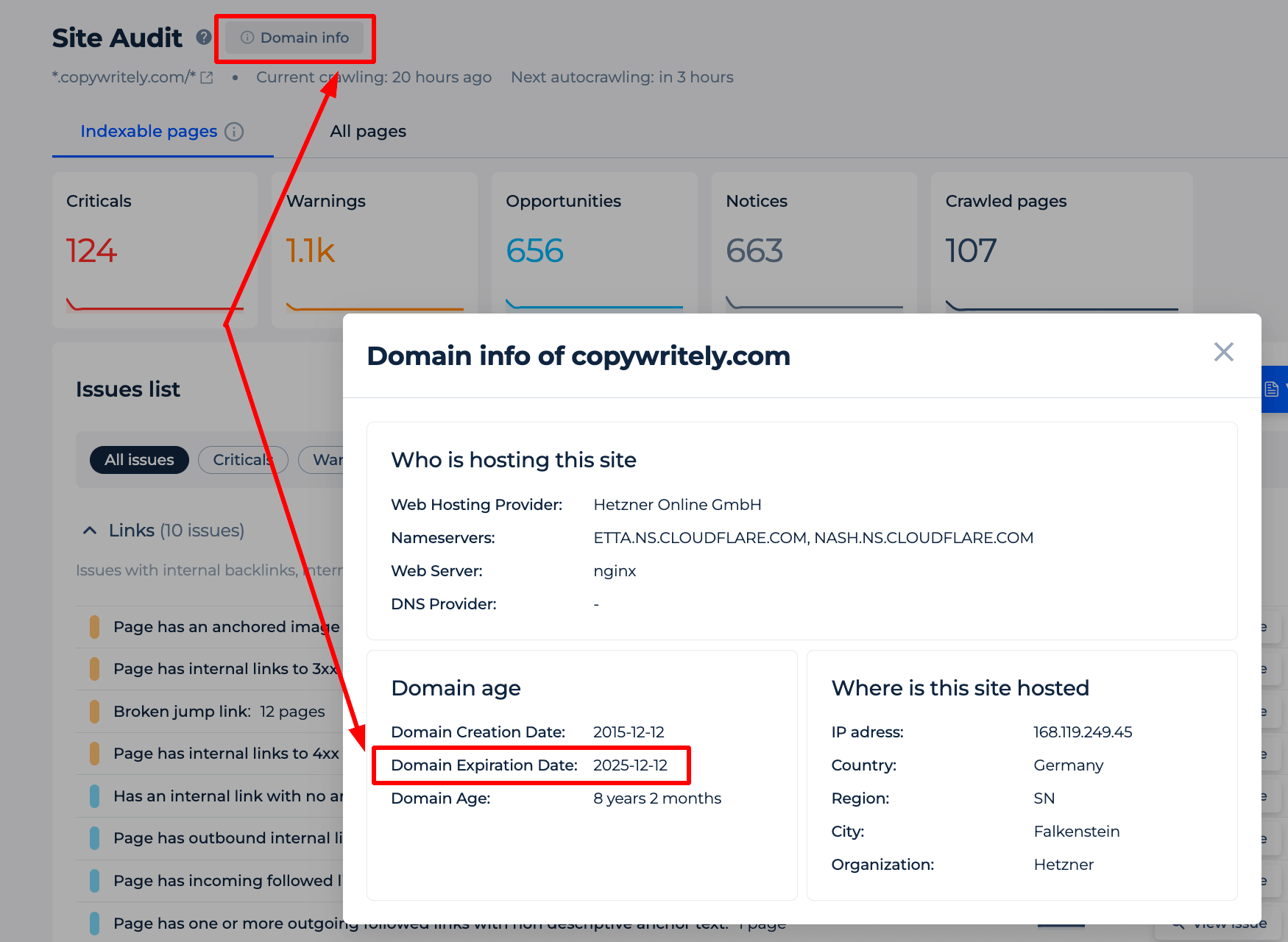
Regular domain audits help track expiration dates and domain status. Review your domain portfolio at least once every few months. This practice helps spot any issues early and prevents accidental expiration.
Credit: sitechecker.pro
What To Do If Your Domain Expires
Grace periods give extra time after a domain expires to renew it. This period usually lasts from 30 to 45 days. During this time, the domain still belongs to the owner but may not work properly.
The redemption period follows the grace period. It lasts about 30 days. Renewing the domain is still possible but costs more. After this, the domain may be deleted.
Domains lost after these periods can sometimes be recovered. Contact your domain registrar quickly to try recovery. Acting fast is very important.
Expired domains often become available for acquisition by others. Some websites sell these domains at auction. Buying an expired domain can be a good chance to get a short or popular name.
Benefits Of Proactive Domain Management
Proactive domain management helps avoid downtime. Domains that expire cause websites to stop working. Visitors may see error pages instead of your content. This can lead to lost sales and unhappy users.
Protecting your brand reputation is crucial. An expired domain can make your business look unprofessional. It may confuse customers and hurt trust. Renewing domains on time shows reliability and care.
Saving costs long-term is another benefit. Reactivating expired domains can be expensive. Sometimes, you might lose the domain and pay more to buy it back. Managing domains early avoids these extra fees.
Credit: sitechecker.pro
Frequently Asked Questions
What Is A Domain Expiration Checker?
A Domain Expiration Checker is a tool that shows when a domain will expire. It helps website owners track renewal dates and avoid losing their domains.
How Can I Check My Domain’s Expiration Date?
Simply enter your domain name into a Domain Expiration Checker tool. It will display the exact expiration date and how many days remain.
Why Is Tracking Domain Expiration Important?
Tracking ensures timely renewal, preventing website downtime or loss of ownership. It protects your online presence and maintains brand credibility.
Can I Check Expiration For Any Domain Name?
Yes, most Domain Expiration Checkers allow you to check expiration dates of any publicly registered domain name worldwide.
Conclusion
Checking a domain’s expiration date helps avoid losing it unexpectedly. Knowing the expiry date lets you plan renewals on time. This simple step protects your website and online identity. Use a domain expiration checker to stay informed and prepared. Regularly tracking domains saves time and prevents costly mistakes.
Keep your domains safe by checking their status often. Staying ahead with domain monitoring ensures peace of mind.

